You can get it HERE

Showing posts with label Clusters. Show all posts
Showing posts with label Clusters. Show all posts
Tuesday, March 14, 2017
Irish Sass Cluster Frame


Tuesday, September 3, 2013
CT Tags + Cluster - Summer's Dying Wish


Monday, September 2, 2013
PTU - Steampunk Girl + Cluster

This tutorial was written by me on September 2nd, 2013. Please do not claim as your own. Any resemblance to any other tutorial is purely coincidental.
------------------------------------------------
Mask Of Choice
Scrap Kit - PTU scrap kit called Steampunk Girl By Irish Princess Designs
You can purchase the kit here
Font Of Choice
Tube Of Choice - Artwork by Very Many. You must have the proper license from PFD to use this tube.
Program - Gimp 2.6..but any program will do.
--------------------------------------------
Open New Canvas
I did 650x650.you can resize it at the end if you would like.
Open Mask
Right click on your layers
Go down to alpha by selection
Edit > fill w/ BG color - Make sure color is #FFFFFF
Open Paper 2
Right click on your layers
Click add layer mask
Then a window will pop up
then click black (full transparency)
Then click add
Edit > Copy
Edit > Paste
On Layers > click on floating selection
Then right click on layers
scroll down to anchor layer
Delete first layer!!!
You should have a mask..then a black square next to it on your layers.
Image > Merge Visible Layers
Box should pop up..click clipped to image > Merge
-----------------------------------------------------------------
Ready...
Set...
Go...
Open Frame1
Open Paper7 and use your rectangle tool and make a square on paper7
Copy/Paste
Place in Frame1
Open These Elements and use the same dropshadow as above and resize to your liking!!!
IPD_SG_Armoire
IPD_SG_Bag
IPD_SG_Barrel
IPD_SG_Basket
IPD_SG_Books
IPD_SG_Cage
IPD_SG_Cluster2
IPD_SG_Perfume
IPD_SG_Phone
IPD_SG_Stack
Add your tube in frame1 and erase any parts that is needed.
Change mode to value.
Duplicate tube and place in frame1 on the right.
Add your tube.
Now dropshadow your elements with these settings.
Filters, Light And Shadows...DropShadow
Offset X - 9
Offset Y - 9
Blur Radius - 15
Opacity - 75
Color - #000000
Allow Resizing
Now resize your tag to 600x600 if you would like.
When you are happy with your tag..
Add Copyright!!
Add Name!!
Merge All Layers!
Save!
Enjoy!!
Hope you enjoyed my tutorial.
~~~~~~~~~~~~~~~~~~~
Here is the cluster frame
Please comment if you snag!!

DOWNLOAD HERE
Tuesday, July 30, 2013
Rainforest Adventure Snags + Cluster Frame For Jackies Jewels
I made this tag using Jackie's Jewels kit called Rainforest Adventure.
You can purchase this kit at Pimpin Pspers Warehouse. I'm using an exclusive tube from Pics For Design by Zlata_M.
Tag For Jackie:

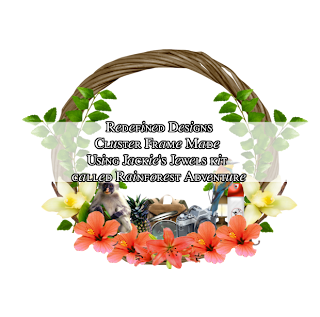


You can purchase this kit at Pimpin Pspers Warehouse. I'm using an exclusive tube from Pics For Design by Zlata_M.
Tag For Jackie:

Cluster Frame

Download Here
I have some snags for you as well. Please do not alter these in anyway.
(Click on preview for full size)


Thursday, July 25, 2013
Ct tag + Cluster Frame + Snags - Midnight Beach Party
I used both collab by Jackie's Jewels & Karra's Kreative Korner.
This collab is beyond beautiful. It has shades of blue and purple.
You can purchase this kit exclusively at Pimpin Pspers Warehouse.

Tags:


This collab is beyond beautiful. It has shades of blue and purple.
You can purchase this kit exclusively at Pimpin Pspers Warehouse.

Tags:

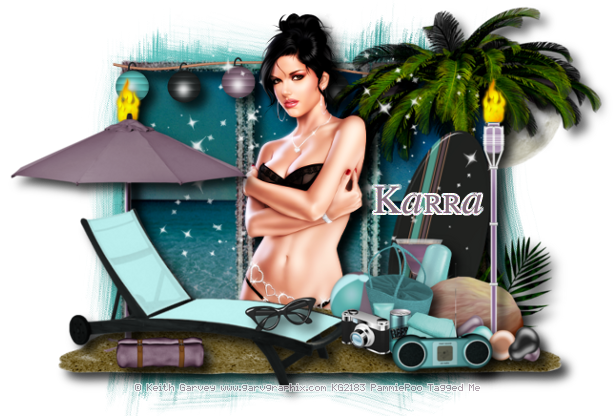
Here is the cluster frame for you all as well.

DOWNLOAD HERE:
Please comment if you download.
Now some snags for you all as well:
Please do not alter these in anyway. Do NOT resize or add names to them!!
Please comment if you snag any.


Monday, July 15, 2013
The First Day Of Spring Cluster Frame
I made this cluster frame using Jackie's Jewels scrap kit called The First Day Of Spring.
You can purchase this kit at Pimpin Pspers Warehouse. I am also using the work by Misticheskaya. You can find this tube at PFD.

DOWNLOAD HERE
Please leave some love if you download
Here is a tag made with this cluster.

Friday, June 14, 2013
[FREEBIE] Mermaid Treasures Cluster Frame
I used the beautiful scrap kit by Jackie's Jewels called Mermaid Treasures. You can find the purchase information on her blog.
Artwork By Elias Chatzoudis


Artwork By Elias Chatzoudis


Download Cluster Here
Saturday, June 8, 2013
[FREEBIE] The Avenue Cluster Frame & Snags
I made these using Jackie's Jewels scrap kit called The Avenue. Very Beautiful kit and so easy to work with. Please comment if you snag anything. Please do not share. FOR PERSONAL USE ONLY!!
Preview Of Frame:

Tag For Jackie:


Preview Of Frame:

Download HERE
Tag For Jackie:

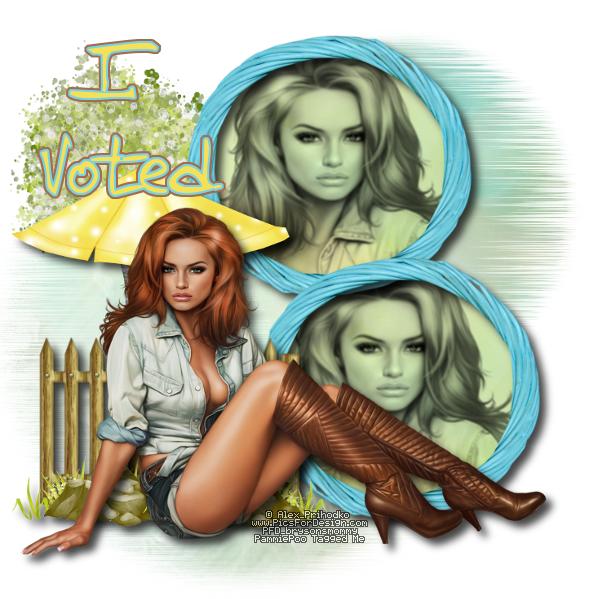
Here is a few snags for you.



Sunday, June 2, 2013


Tuesday, May 28, 2013
[FREEBIE] Country Roots Cluster Frames
I used the scrap kit by Jackie's Jewels called Country Roots to make these clusters. Please comment if you snag.


Download HERE
Saturday, May 18, 2013
PTU - Wish You Were Here Tutorial + Cluster Frame

This tutorial was written by me on May 18th, 2013. Please do not claim as your own. Any resemblance to any other tutorial is purely coincidental.
------------------------------------------------
Mask Of Choice
Scrap Kit - PTU Scrap Kit Called Wish You Were Here By Jackie's Jewels
You can find this kit on her blog
Font Of Choice
Tube Of Choice - Artwork By VeryMany. You must obtain a license to use this tube.
Visit PFD here.
Program - Gimp 2.6..but any program will do.
--------------------------------------------
Open New Canvas
I did 650x650.you can resize it at the end if you would like.
Open Mask
Right click on your layers
Go down to alpha by selection
Edit > fill w/ BG color - Make sure color is #FFFFFF
Open Paper 5
Right click on your layers
Click add layer mask
Then a window will pop up
then click black (full transparency)
Then click add
Edit > Copy
Edit > Paste
On Layers > click on floating selection
Then right click on layers
scroll down to anchor layer
Delete first layer!!!
You should have a mask..then a black square next to it on your layers.
Image > Merge Visible Layers
Box should pop up..click clipped to image > Merge
-----------------------------------------------------------------
Ready...
Set...
Go...
Open Window
Open paper7. Use your rectangle tool and make a square on paper7
Copy/Paste as new layer in Window
Erase any unneccessary spots
Open These Elements and use the same dropshadow as above and resize to your liking!!!
Basket Of Letters
Bear
Flower Cluster
Lantern
Letter
Plant3
Umbrella
Violin
WordArt Swirl
Open your tube and place it to the right
Open up close up of tube and place on the inside of the window
Change mode to value
Now dropshadow your elements with these settings.
Filters, Light And Shadows...DropShadow
Offset X - 9
Offset Y - 9
Blur Radius - 15
Opacity - 73
Color - #000000
Allow Resizing
Now resize your tag to 600x600 if you would like.
When you are happy with your tag..
Add Copyright!!
Add Name!!
Merge All Layers!
Save!
Enjoy!!
Hope you enjoyed my tutorial.
Here is a cluster frame I made as well. Please comment if you download.

DOWNLOAD HERE
Here is a tag I made using the cluster frame

Tuesday, May 14, 2013


Subscribe to:
Posts (Atom)